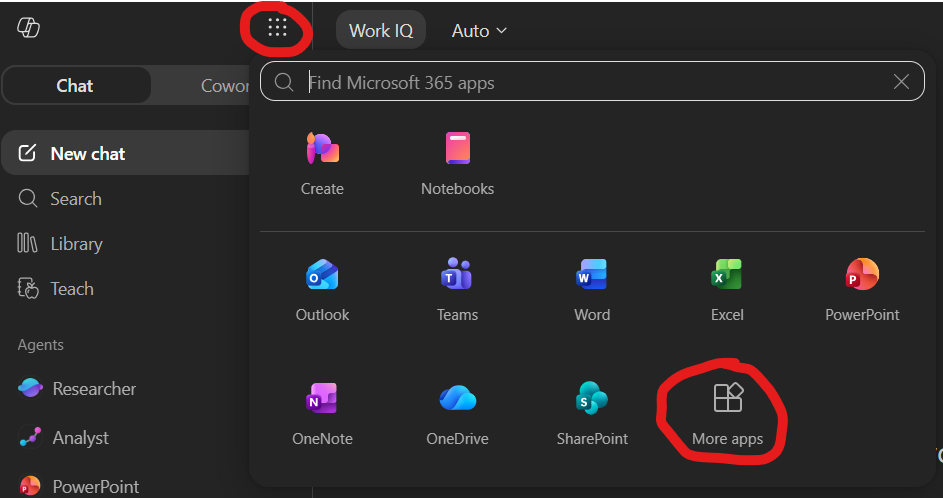
How to download O365 Apps

Downloading Office 365 Applications
UT San Antonio academic campus users who are active faculty/staff or students may download Office 365 applications on up to 5 PCs or Macs, 5 tablets, and 5 smartphones. Not a current student? See which applications you can use here.
Important Notes:
- UT San Antonio-issued PCs and Macs come preloaded with Office 365 products; to use them, open any Office application (Word, Outlook, Teams, OneDrive, etc.) and follow the prompts to sign in with your UT San Antonio email and passphrase. If you are directed to give a license or key, contact Tech Café (210-458-5555).
- Certain types of UT San Antonio community members (alumni, retirees, etc.) are not licensed for downloaded versions of O365 apps. Some browser-based versions of these apps are still available for use.